|
Find Similar Users
|
  |
|
Find Similar Users
|
|
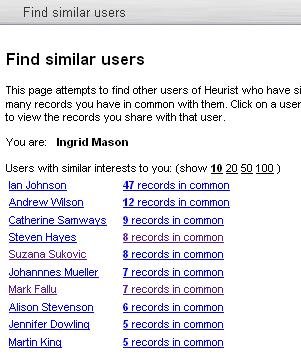
Heurist attempts to find other users that have similar interests. It ranks other users based on how many records in common with them.
To find colleagues interested in the same research area and/or resources:
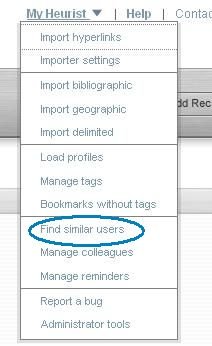
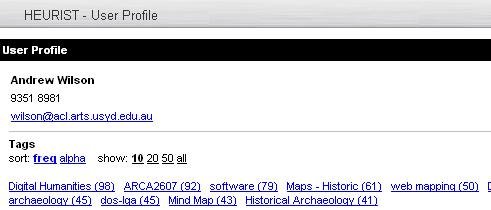
Clicking on one of these users displays their tagging patterns:
|
|
|