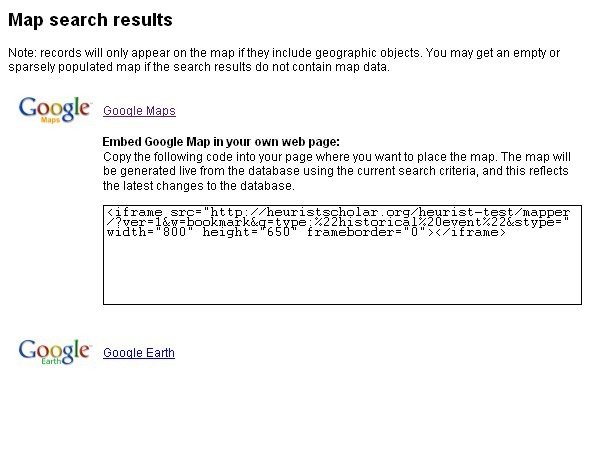
viewed directly in Google Maps by clicking the Google Maps hyperlink
or embedded in a webpage
To embed a map in a webpage:
Select a set of records (search results) to map
Click Map (search results)
Embed Google Map in your own web page. Copy the code generated into the webpage where the map is to be placed. The map will be generated live from the database using the current search criteria, and this reflects the latest changes to the database.
Note: records will only appear on the map if geographic objects are (data) included in the record. An empty or sparsely populated map will be generated if the search results do not contain map data.