|
Add Record
|
  |
|
Add Record
|
|

The record addition button pops up a dialogue which allows quite fine-grained control on the addition of records.
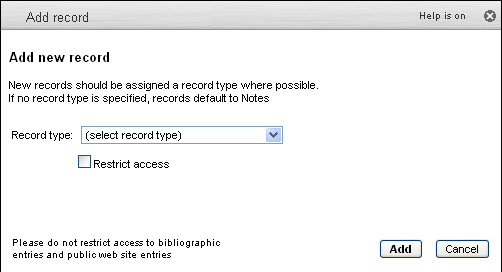
By default, records are added as Notes and available to all Heursit user. However, ownership can be restricted to a particular workgroup, and once a workgroup is selected, one can also select a workgroup tag to be added to the record. One can further restrict the visibility of this record to members of the workgroup:
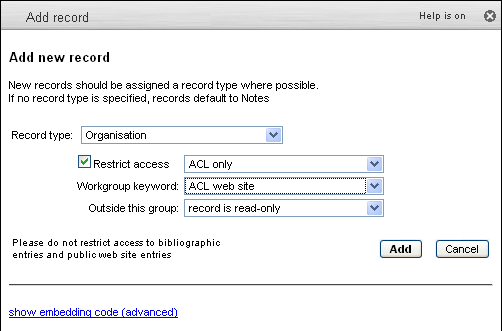
Embedding code
The link at the bottom of the popup gives access to the code required to embed a link in a web page, or create a shortcut on the desktop, which will have the same function as the record addition selected in the popup:
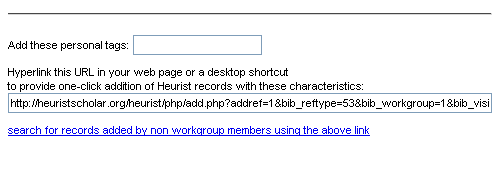
To save time when adding records that a user would tag with the same Workgroup tag e.g. "timelines", hyperlink the URL in a web page or a desktop shortcut to provide one-click addition of Heurist records with these characteristics:
http://heuristscholar.org/heurist/php/add.php?addref=1&;keyword=timelines&t=enter title here ...
The link at the bottom allows retreival of all records which were added by non-members of a workgroup but which were supposed to have a workgroup keyword attached. This is particualrly useful for building lists of resoruces on a website which are controleld by a workgroup, but to which the general public can contribute new resources which msut be vetted by workgroup members.
<we need a well-documented case-study to explain this in concrete terms; the Centernet or DIU resoruces lsit are the obvious exampels>