|
Geographic Location
|
  |
|
Geographic Location
|
|
The geographic location of an event, organisation, historic site etc can be added into the public information using a digitising function based on Google Maps.
Simply click on the Add link next to any geographic location field  to display the digitiser:
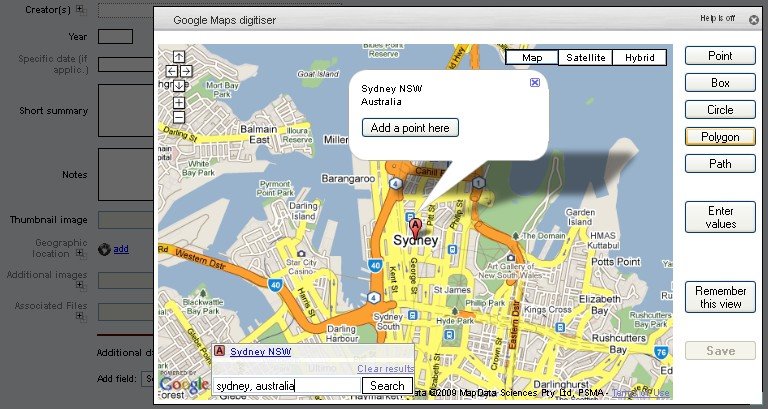
Existing geographic objects will be displayed on the map and may be edited.
Enter the name of a location in the search box at the bottom to quickly jump to the location required. A quick Add a point here popup is displayed, but you can also use the different object types on the right to enter a box, circle, line (path) or polygon.
To avoid having to navigate repeatedly from the world map to the area in which you are working, click Remember this view button - the map will reopen to the current area every time until you reset it.
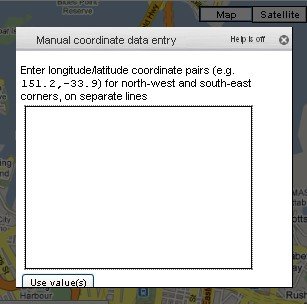
If you have latitude/longitude coordinates you wish to type in, click on an object type, then click on Enter values. A box with instructions appropriate to the particular type will be displayed: