Record Editing
Previous Topic  Next Topic 


The Heurist community can edit and enhance the records collectively added to Heurist. By default, all records are public ownership, in the spirit of collaborative databases, and all public information can be edited by any Heurist user.


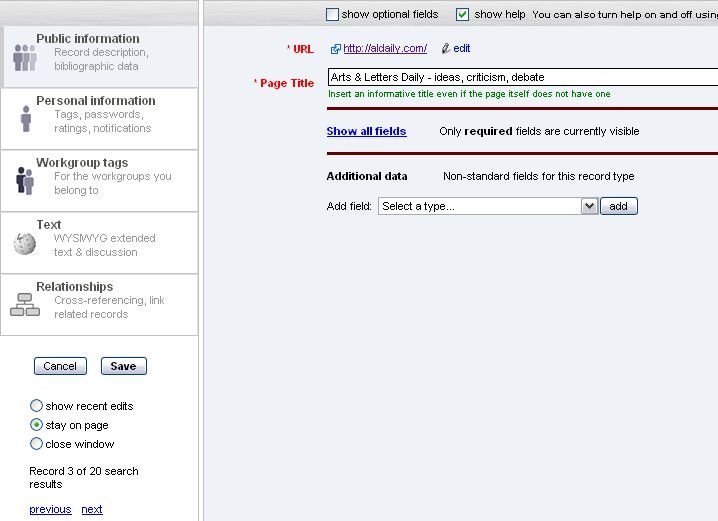
There are five parts of a record that can be edited:


Public Information - Personal Information - Workgroup Tags - Text - Relationships


To edit a record:        


  1. Select a record from a set of search results (list)
  2. Click the black triangle next to the record in the list to open (the triangle moves and a short display of the record is triggered)
  3. Click the 'edit' hyperlink (this opens the record in another window showing the five sections: Public information; Personal information; Keywords; Text; Relationships)
  4. Edit any of the fields in the five sections
  5. Click Save (The default is on Save to close the window.  The user can chose to stay on the page or show recent edits by selecting these as alternatives.)