|
Share Searches
|
  |
|
Share Searches
|
|
Sharing searches
When a search is saved, the user has the option of saving it for their own use or sharing it with members of any of the workgropups to which they belong:
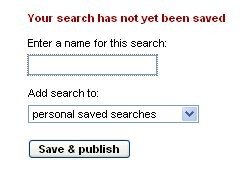
Saved searches appear under the relevant workgroup in the lefthand panel fo the search screen. Any member of the workgroup can create or delete them.
Saved searches save the search criteria NOT the list of records retrieved, so the search is performed every time a saved search is called.