|
Manage Notifications
|
  |
|
Manage Notifications
|
|
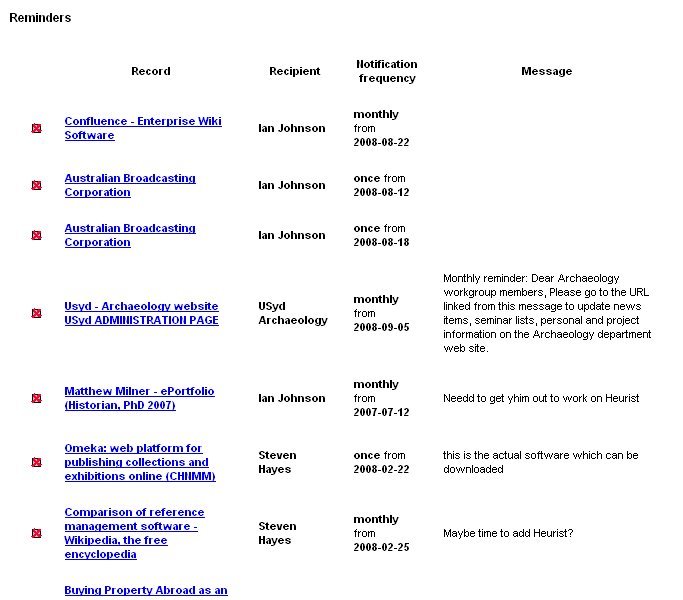
Notifications enable Heurist users to advise others of relevant resources and to keep up with resources that are regularly updated or expanded over time.
To manage notifications: