|
Case Study: Web Publishing
|
  |
|
Case Study: Web Publishing
|
|
To publish a live (up-to-date) list of useful Internet sites (hyperlinked) in a web site.
The advantage of this method is the ease of maintaining the list with new entries. All you have to do when you come across a new research project or other resource and want to include it in your web site, is to tag it with the ShowInWebSite tag.
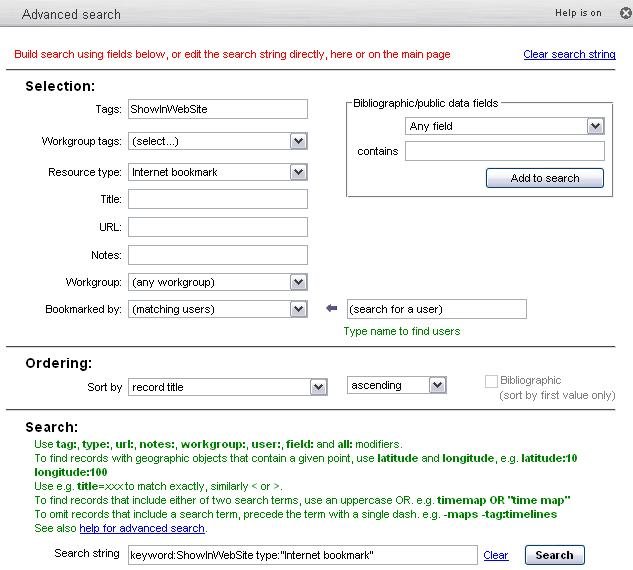
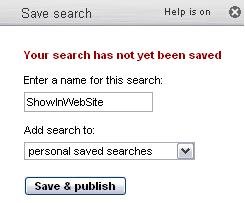

For research groups, the Heurist administrator can add special workgroup tags so that all the members of a department, a research group or an academic community - and ONLY those members - can add the tag required to publish resources to the web site.