|
Colleague Groups
|
  |
|
Colleague Groups
|
|
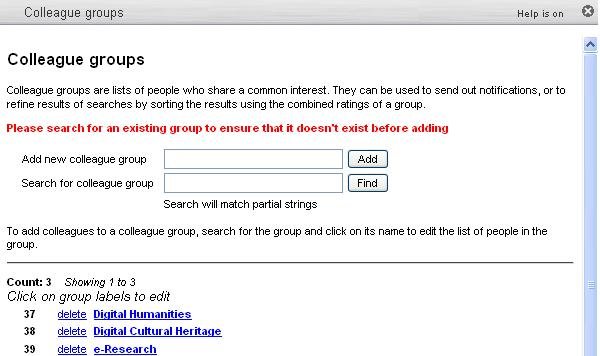
Each Heurist user can create any number of colleague groups, made up of otehr users, which they can use to group together colelagues with similar interests. These can then be used to mail out notifications and reminders, or the cumulative ratings applied by a colleague group can be used to sort search results to place those that are most significant (to that group) at the top of the list - this can provide better discrimination than generic 'popularity' ratings.
|
To add colleagues to a colleague group:
|
|
|
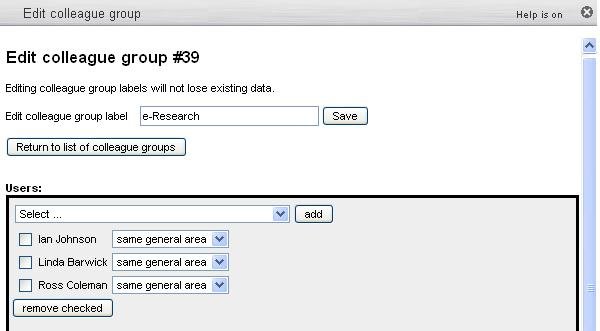
Once a colleague group has been chosen, you can add and remove users to it: |
|