|
Login
|
  |
|
Login
|
|
The Heurist login page can be accessed either from the Login button on the search page (when not logged in), from the Log out link at the bottom left of the search page, or by any attempt to access a page restricted to logged-in users (such as the Edit page).
The login page allows users to choose between logging in each time a browser is opened (good for internet cafes) to remaining logged in indefinitely (good for your laptop or desktop).
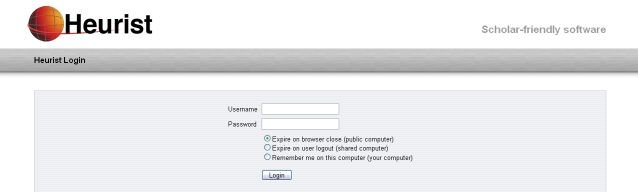
We strongly urge users to remain logged in to Heurist on any computer for which they are the main user. One of the main functions of the Heurist home page (a search for favourites) is to put your most frequently used resources at your fingertips, and less frequently used resources a few keystrokes away through a search (see next help entry, Heurist Homepage).
Having Heurist always 'on' also means that any interesting web page can be instantly bookmarked with the toolbar or bookmarklet - no more tedious searching for obscure pages on your institutional website or references you saw somewhere a couple of years ago.
The login page also allows you to reset your password if you have forgotten it, by mailing a new password to your registered email address. At the present time the new password is randomly generated, you cannot reset to a password of your choice.