|
GETTING STARTED
|
  |
|
GETTING STARTED
|
|
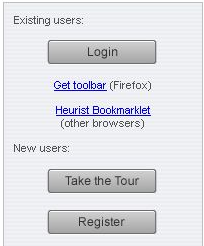
If you have not yet logged in, the lefthand panel of the Heurist homepage shows the steps required to get started with Heurist. It should only take a couple of minutes to get yourself registered and start using Heurist. The following Help pages run through the steps required.
Use the links below to set up your computer to work with Heurist
New Users
1. Register
New or Returning Users
2. Install the Toolbar (Firefox only) or the Bookmarklet (other browsers - can also be used with Firefox*)
3. Set the Heurist Homepage (HeuristScholar.org) as your browser homepage or as a browser bookmark
4. Login
Optional
5. Install MS Word add-in (optional)
6. Import additional data from domain profile(s)
* We recommend installing both toolbar and bookmarklet on Firefox